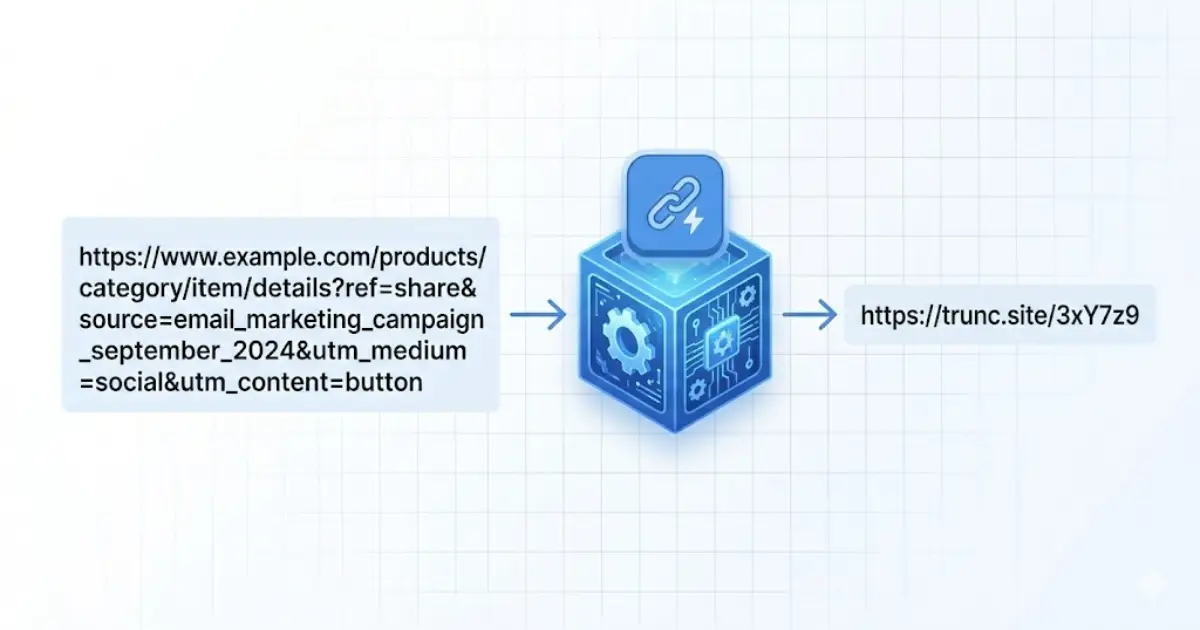
A URL shortener is a web service that converts a long web address — sometimes hundreds of characters — into a compact short link, typically 15 to 25 characters. When someone clicks the short link, the service looks up the original URL in a database and instantly redirects the visitor. The whole process takes under 50 milliseconds and is completely invisible to the user.
How Does a URL Shortener Work?
URL shorteners work using HTTP redirects. When you create a short link, the service stores a mapping between a unique short code (like "abc123") and your original URL. When a visitor clicks the short link, their browser sends a request to the shortener's server. The server looks up the short code, finds the original URL, and returns a 301 (permanent) or 302 (temporary) HTTP redirect response. The browser then automatically follows the redirect and loads the destination page.
- You submit your long URL to the shortener (e.g. https://example.com/very/long/path?utm_source=email&utm_campaign=spring).
- The service generates a unique short code (e.g. abc123) and stores the mapping.
- You share the short link (e.g. trunc.site/abc123).
- A visitor clicks the short link — their browser requests trunc.site/abc123.
- The server looks up abc123, finds the original URL, and returns a redirect.
- The visitor's browser loads the original page in under 50ms.
Every Trunc short link includes automatic click tracking — you see exactly how many people clicked, where they were located, and what device they used, all in real time.
Why Do People Use URL Shorteners?
The original reason for URL shorteners was simple: long URLs looked ugly in print and exceeded Twitter's 140-character limit. Today, the most important reason is analytics. A short link created with a modern URL shortener like Trunc tracks every click — geographic location, device type, browser, referrer source, and timestamp — giving you a complete picture of how your audience is engaging with your content.
- Marketing campaigns: track which emails, social posts, and ads drove the most clicks.
- Social media: short links look cleaner and are easier to type from memory.
- Print materials: short links are easy to type from a flyer, poster, or business card.
- SMS and messaging: short links save characters and look professional.
- A/B testing: some URL shorteners (like Trunc) can split traffic between two destinations to test which performs better.
- Link management: update where a short link points without changing the URL you already shared.
What Is the Difference Between a Redirect and a Short Link?
All URL shorteners use redirects, but not all redirects are URL shorteners. A 301 redirect (permanent) tells search engines to transfer link equity to the destination URL and to update their index. A 302 redirect (temporary) preserves link equity at the short URL. Most URL shorteners use 301 redirects because users typically want the destination page to receive SEO credit. Trunc uses 301 redirects by default.
Are URL Shorteners Safe?
Reputable URL shorteners like Trunc are safe. The risk comes from unknown shorteners or short links created by bad actors to hide the true destination of a link. To stay safe: use a URL expander tool to preview where a short link leads before clicking, or only click short links from sources you trust. Trunc scans destination URLs against known malware and phishing databases before creating short links.
Free vs Paid URL Shorteners: What Is the Difference?
Free URL shorteners like Trunc give you short links with basic or full analytics at no cost. Paid tiers typically add: custom branded domains (e.g. links.yourcompany.com), higher link volume limits, team collaboration, API access, advanced analytics, and priority support. Trunc's free plan includes full click analytics — geographic data, device breakdown, referrer tracking — with no time limit on data storage, which is more generous than competitors like Bitly.
Can You Use Your Own Domain with a URL Shortener?
Yes — this is called a custom short domain or branded short domain. Instead of trunc.site/abc123, your short links use your own domain: go.yourcompany.com/abc123. Custom domains increase click-through rates by up to 39% because users recognise your brand. Trunc supports custom domains on the Premium plan. Setup takes about 5 minutes and only requires a DNS record change.
Try Trunc free — create your first short link in under 10 seconds. No account required.
Shorten a URL Free