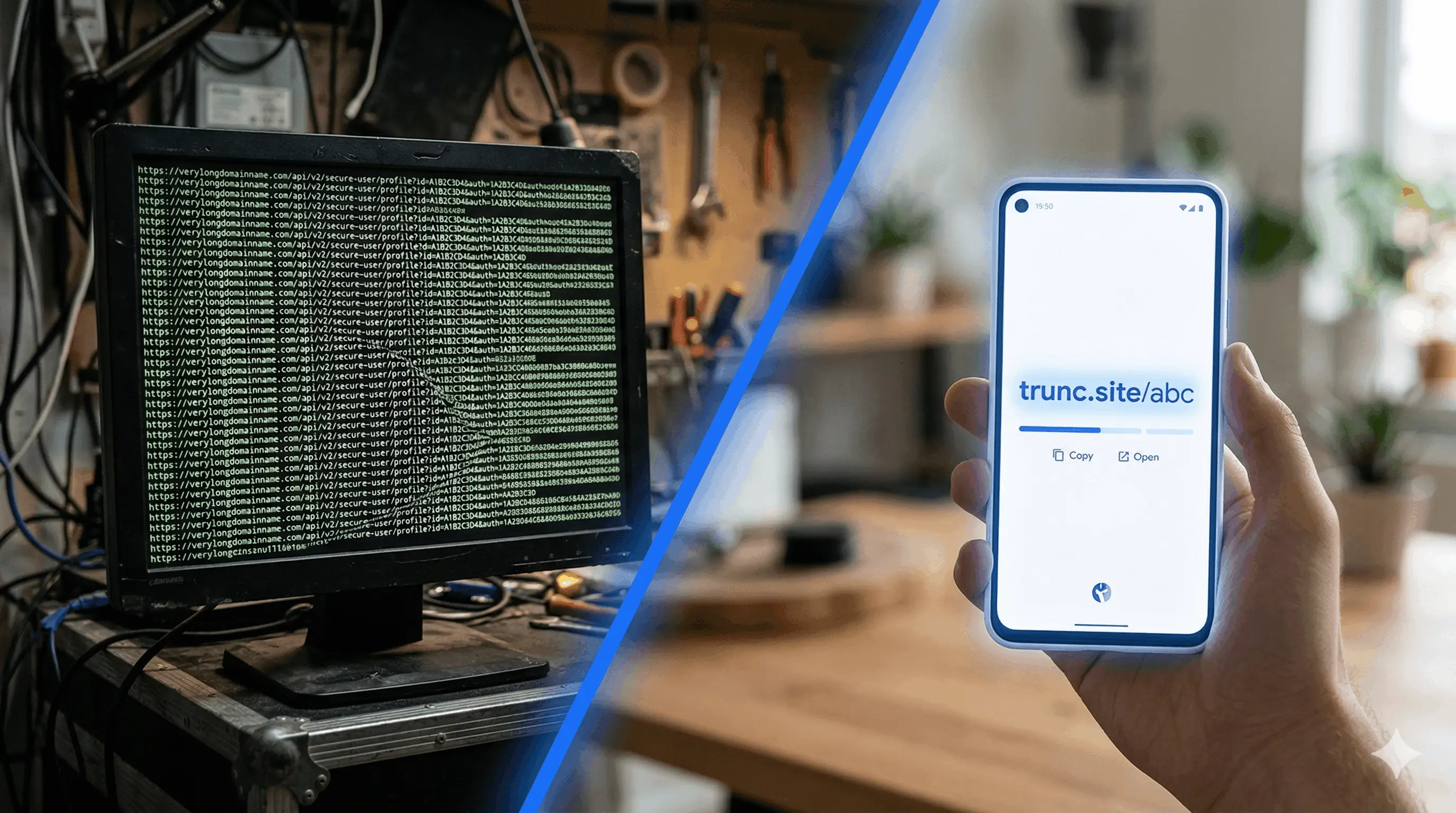
URL shortening converts a long web address into a compact, shareable link. When someone clicks the short link, a URL shortener like Trunc looks up the original URL in its database and instantly redirects the visitor — the whole process takes under 50 milliseconds. Short links are easier to share on social media, in emails, and in print materials, and they come with built-in click tracking so you can see exactly how many people used your link.
How to Shorten a URL with Trunc (3 Steps)
- Go to trunc.site and paste your long URL into the input field on the homepage.
- Optionally, enter a custom short code to personalize your link (e.g. trunc.site/my-campaign). Leave it blank and Trunc will generate one automatically.
- Click "Shorten." Your short link is ready instantly — copy it and share it anywhere.
Trunc generates short links instantly with no account required on the free plan. Every link includes click tracking by default.
How to Shorten a URL on Your Phone
Trunc is fully mobile-optimised. Open trunc.site in your phone's browser, paste or type the URL you want to shorten, and tap "Shorten." The short link is copied to your clipboard in one tap. You can also install Trunc as a Progressive Web App (PWA) from your phone's browser menu for faster access.
How to Shorten a URL and Track Who Clicks It
Every link shortened with a free Trunc account includes automatic click tracking. After shortening, sign in or create a free account to access your dashboard. There you can see:
- Total clicks over time with a trend chart
- Geographic breakdown — which countries and cities your clicks come from
- Device and browser breakdown — desktop vs mobile, Chrome vs Safari
- Referrer sources — which websites sent traffic to your link
- Click-by-click timestamps
How to Shorten a URL with a Custom Domain
On Trunc's Premium plan, you can use your own branded domain for short links — for example, links.yourcompany.com/promo instead of trunc.site/abc123. This increases trust with your audience and reinforces your brand every time someone sees the link. Setup takes about 5 minutes: add your domain in the Trunc dashboard, update your DNS records, and all new links will use your brand domain automatically.
How to Shorten a URL via the Trunc API
Developers can shorten URLs programmatically using the Trunc REST API. Send a POST request to the /api/v1/links endpoint with your long URL in the request body and your API key in the header. The API returns the short link and its analytics endpoint in under 100ms. Full documentation is available at trunc.site/api-docs.
Why URL Shortening Matters for Marketing
Short links do more than save characters. When you share a shortened link in a campaign, every click is tracked automatically — you know exactly how many people responded to your ad, email, or social post. Combined with UTM parameters, short links give you a complete picture of which channels and messages drive the most traffic. Trunc's AI Insights feature goes a step further, analysing your click patterns and suggesting the best times to share your links for maximum reach.
Ready to shorten your first link? It takes 10 seconds and no credit card is required.
Get Started Free